August 25, 2026
Digital Marketing
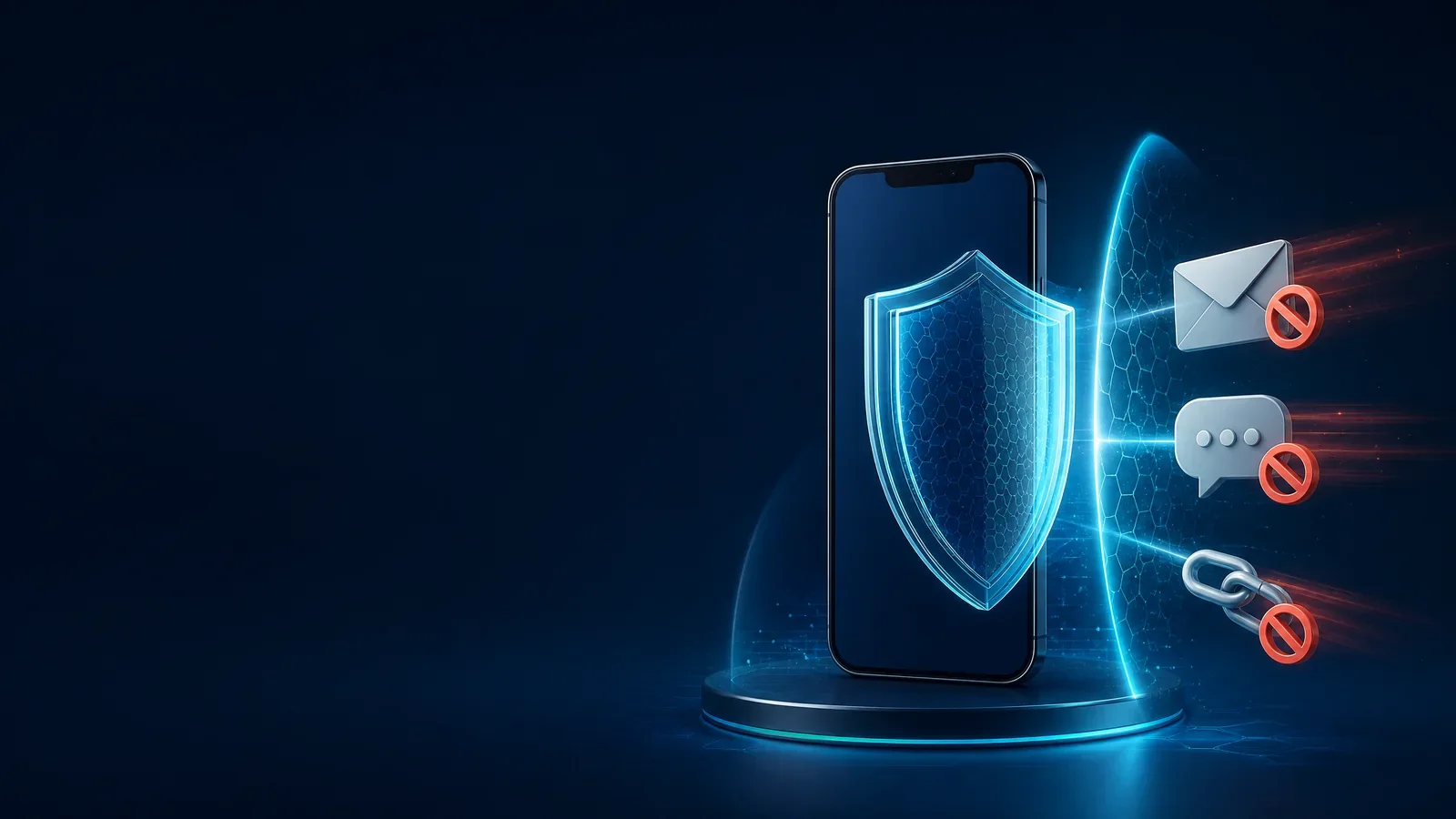
Your phone is the gateway to email, WhatsApp, and financial accounts, so security starts with protecting your identity. Use a strong screen lock, install updates from official stores, enable device finding and remote wipe, and never leave the phone unlocked.
In WhatsApp, enable two-step verification, never share the six-digit registration code, and review linked devices regularly. For email, enable multi-factor authentication, use a password manager, and use a unique password for every service. Do not open links merely because a message looks urgent or carries a familiar logo. Check the domain carefully and open the official service manually instead.
Beware of fake support, prizes, urgent invoices, and money-transfer requests. If you clicked a suspicious link, close it, enter no data, change your password from a trusted device, revoke active sessions, and contact the official organization.
In WhatsApp, enable two-step verification, never share the six-digit registration code, and review linked devices regularly. For email, enable multi-factor authentication, use a password manager, and use a unique password for every service. Do not open links merely because a message looks urgent or carries a familiar logo. Check the domain carefully and open the official service manually instead.
Beware of fake support, prizes, urgent invoices, and money-transfer requests. If you clicked a suspicious link, close it, enter no data, change your password from a trusted device, revoke active sessions, and contact the official organization.